
Lucky Ones casino login: account access and support
Use the Lucky Ones casino login route to access your account. This guide covers sign-in, password recovery, basic access checks and how verification differs from a login problem.
If you do not have an account, use the separate Sign Up form. The guide also explains when to contact customer care.
LuckyOnes Casino Login: Signing in to Your Account
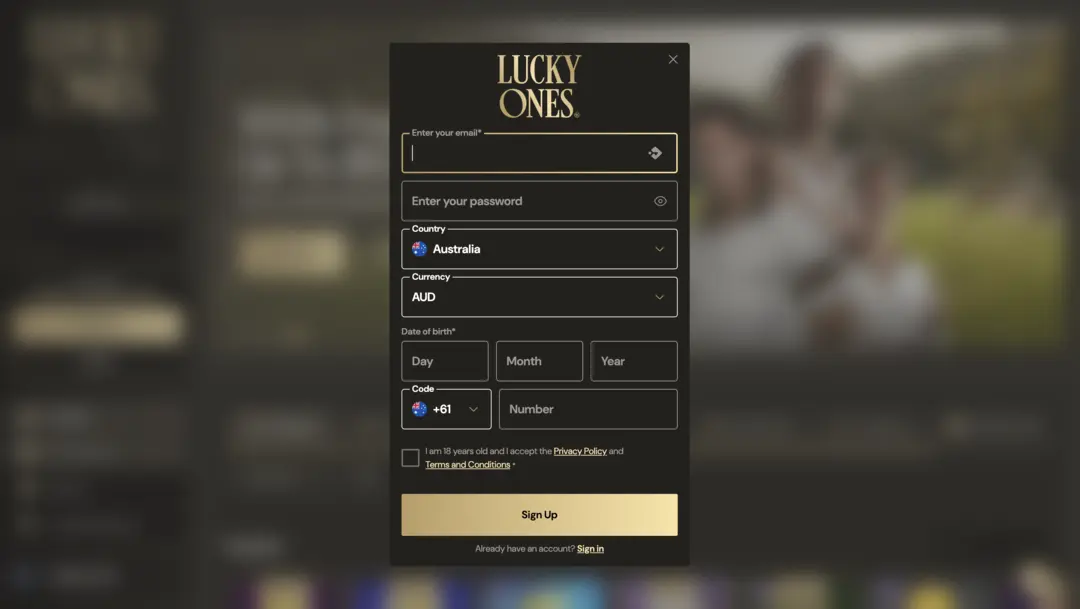
Open the luckyones casino and select Log In, then enter the credentials linked to your account. If you ever forget your password, the same Log In screen includes a Forgot Password? link — we cover that process in detail further down.
- Open the Lucky Ones account page and select Log In.
- Enter the credentials associated with your account and submit the sign-in form.
- If you don’t have an account yet, select Sign Up, complete the registration form, and choose Create an account.
If step three applies to you, use the registration route instead of repeatedly retrying sign-in details — the two tasks run through separate forms from the same account page.
LuckyOnes Login: Common Access Issues to Check
Before contacting support, work through these basic sign-in checks:
- Recheck the email or username and password you’re entering; watch for accidental spaces or caps-lock typos.
- Start a fresh browser session, confirm your internet connection, and reload the sign-in page.
- Use your existing account rather than opening a new one — the terms state each individual may create only one account, unless LuckyOnes expressly instructs and confirms otherwise.
- Had no account activity for 120 days or more? The account may be considered dormant, and the terms allow a monthly administrative fee of €10 (or the equivalent in your account’s active balance currency) on a dormant account holding a positive balance. Contact support to clarify your account status if this applies.
Dormancy is a balance-and-fee condition under the terms. If you cannot sign in, use the password-recovery steps below.
Lucky Ones casino login in Australia: password recovery
Forgotten your password? The route below is self-service first, with customer care as the fallback if it doesn’t go through.
- Choose Log In, then select Forgot Password?.
- Follow the on-screen reset prompts.
- If the reset can’t be completed, or you can’t access the email account, contact customer care via live chat or the support email shown on the site.
Treat any reset link or code as private — don’t share it with anyone, including people claiming to represent support. Once your identity is confirmed, customer care can complete the reset on their end.
LuckyOnes casino login in Australia: verification checks
A verification prompt is a separate account check, not a password problem — retrying your credentials won’t clear it. LuckyOnes can request verification at any time for legal, regulatory, security or anti-fraud reasons.
- Open My Account and check the Verification tab for the documents requested on your account.
- Full verification can require proof of identity, proof of address, and proof of payment-method ownership for card deposits; the exact list depends on the request.
- Respond to verification requests promptly: under the terms, failing to complete verification can lead to suspension, voided bonuses or winnings, and withheld payments.
Check the requested documents in My Account before uploading.
When to contact support
If the checks above haven’t resolved your sign-in issue, reach out directly rather than repeating the same steps. Have your account email ready along with a short description of what you’ve already tried — login screen, error message, browser used.
Don’t send your password or a one-time security code to anyone, including support. Before completing a password reset on your behalf, customer care must confirm your identity, so be ready to verify who you are.
Signing In from a Phone
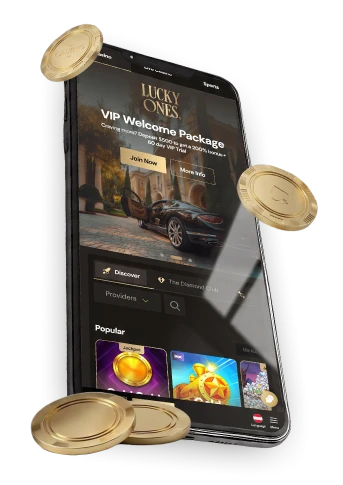
You can also reach your Lucky Ones online casino account from a mobile browser. After installing via the browser, an icon is added to your device home screen so you can return to log in without retyping the address each time.
The browser-installed shortcut provides account sign-in on your phone. For device setup, see the lucky ones casino app.
Login FAQs
How do I start a password reset?
Select Log In, then choose Forgot Password? to begin the reset process.
What if I cannot access the email on my account?
Contact customer care through live chat or the support email shown on the site. Once your identity is confirmed, the team can complete the reset for you.
Where can I check which verification documents are needed?
Open the Verification tab in My Account — it lists the documents required for your account.